Once you have finished reading the Handbook:
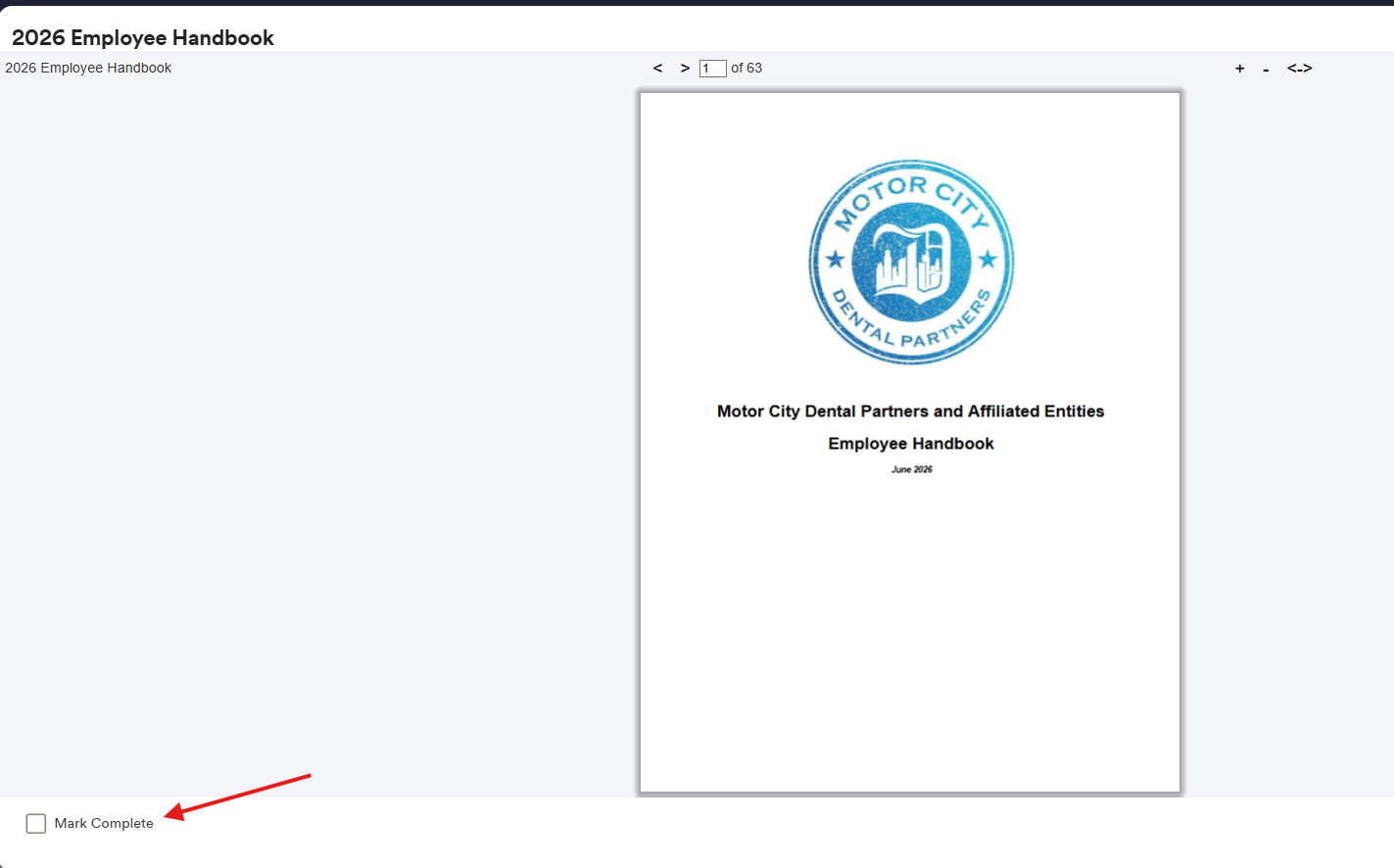
Check the box in the bottom-right corner of the screen and to indicate completion (see screenshot below).
A Course Completion pop-up will appear.
Click Yes.
An Assessment window will appear. Click Begin.
Read through the Acknowledgement and Receipt statement.
Select True.
Click Submit to complete the acknowledgement.
Important: The handbook acknowledgement is not complete until you click Submit. Please ensure all steps above are completed successfully.
Was this article helpful?
That’s Great!
Thank you for your feedback
Sorry! We couldn't be helpful
Thank you for your feedback
Feedback sent
We appreciate your effort and will try to fix the article